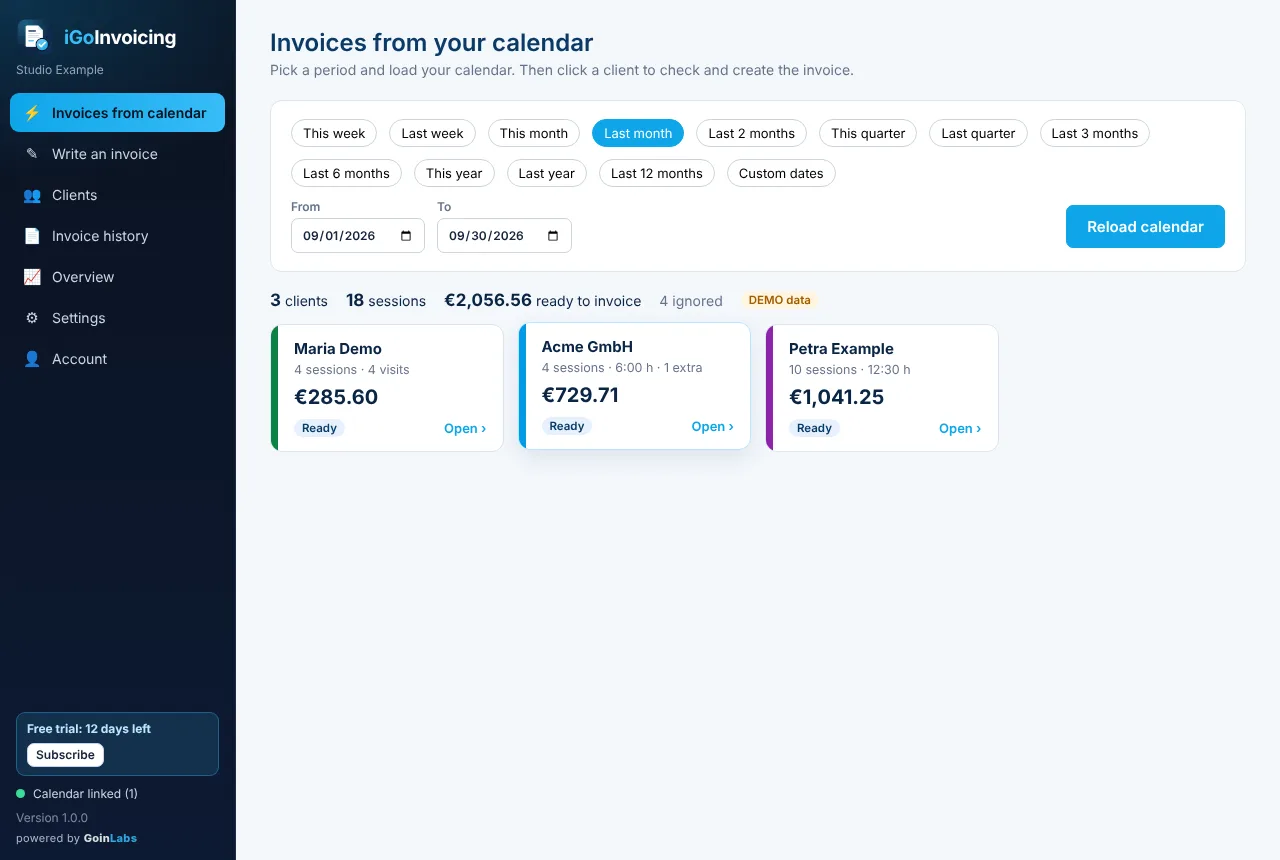
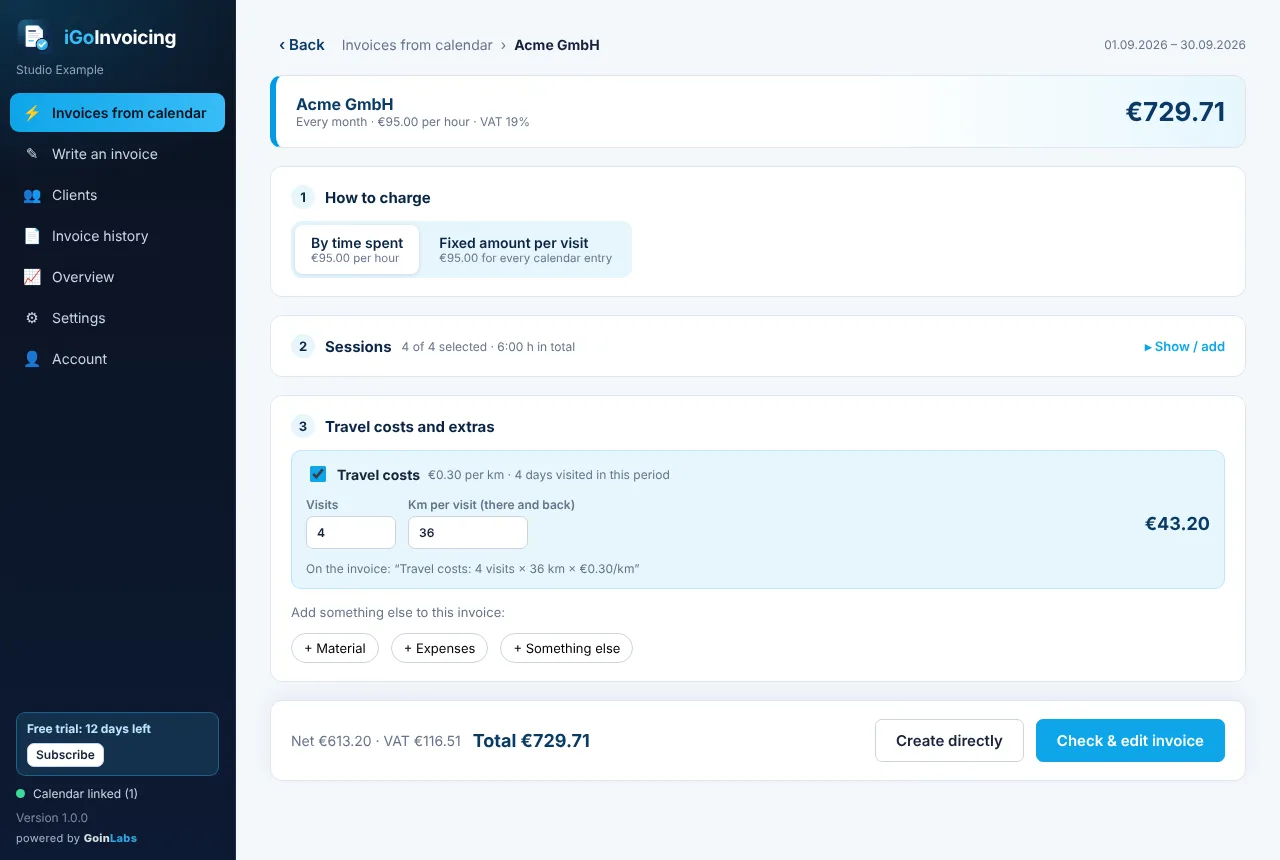
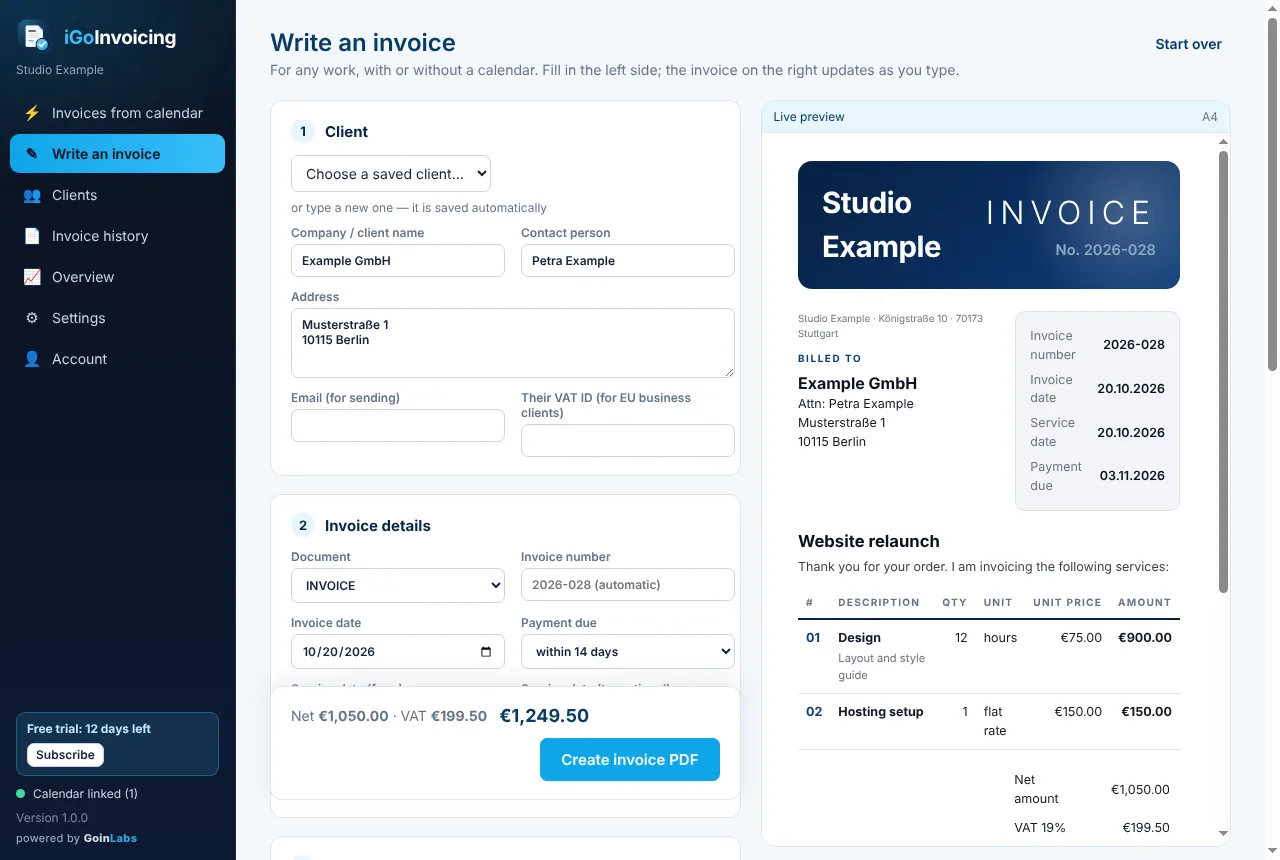
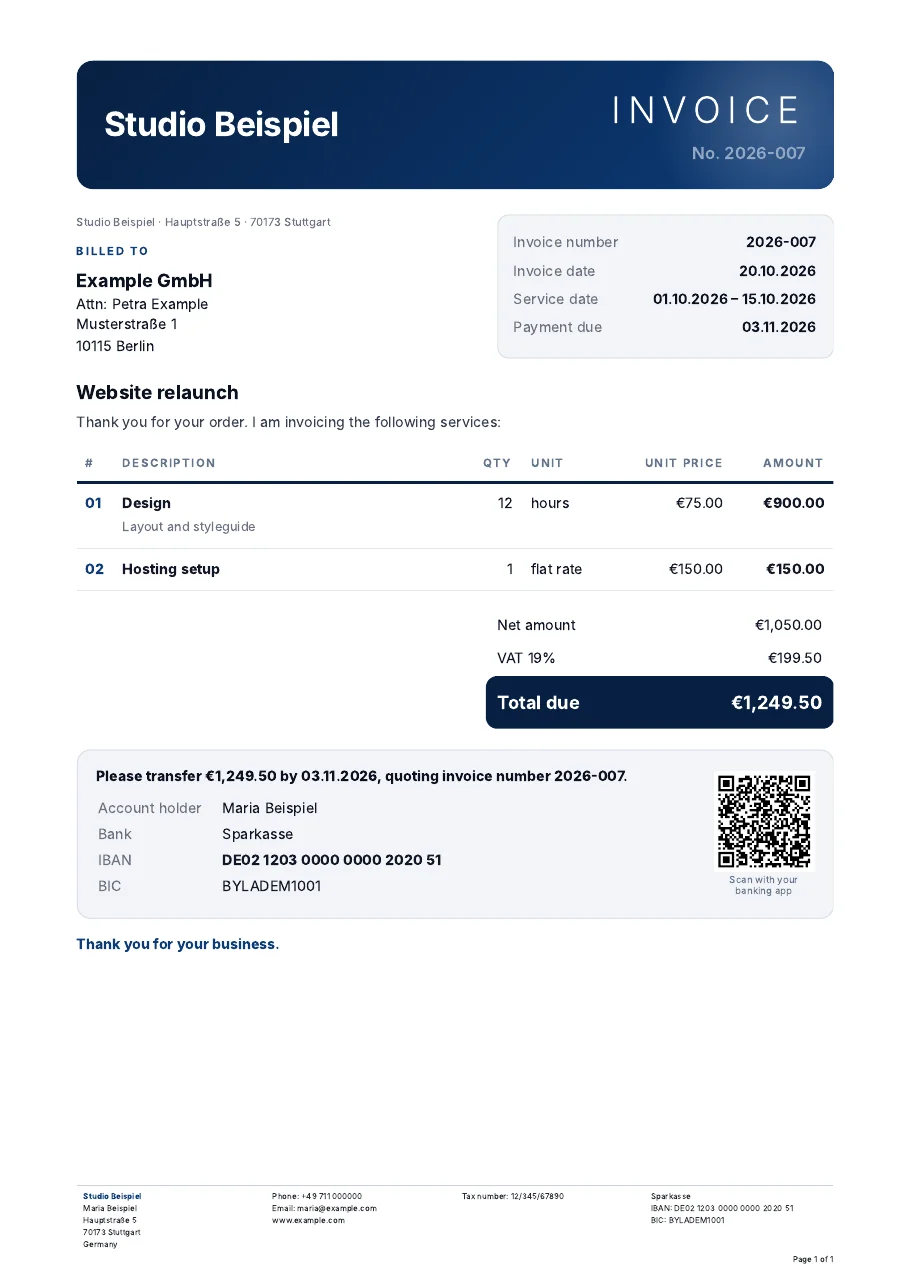
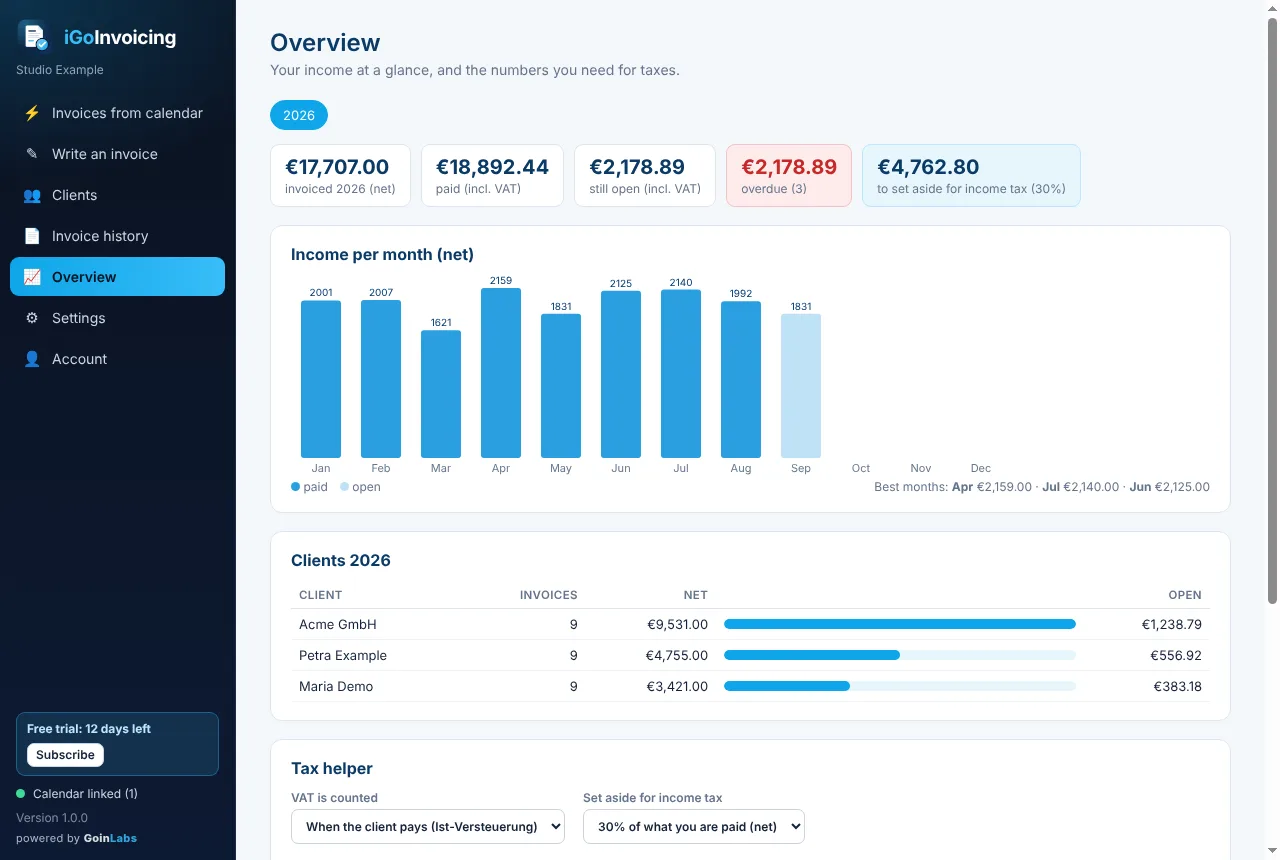
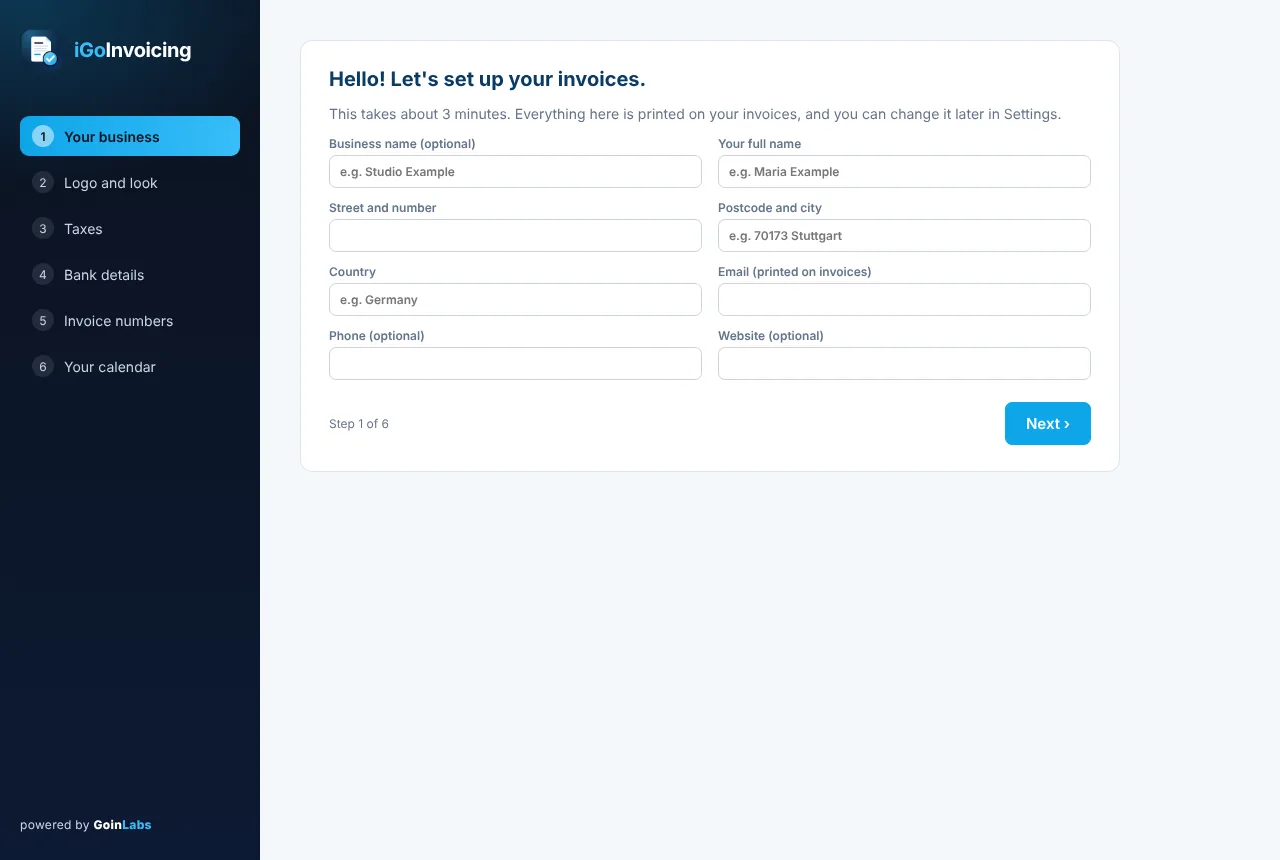
iGoInvoicing is a desktop app for Windows and Mac. It turns the sessions in your calendar into finished invoices with one click, or lets you write any invoice by hand. Made for freelancers, teachers, coaches, consultants and everyone who writes invoices.
You subscribe inside the app, with secure payment by Stripe. Payment and VAT are handled by Stripe as reseller. Cancel any time in the app, or with the cancel button.
Download
Get iGoInvoicing
Download, install, create your free account in the app. Your 14-day trial starts right away.
Windows
Windows 10 or 11 (64-bit). No administrator rights needed.
Windows shows a blue warning the first time. That is normal for new apps, see the install guide.
Which Mac do I have? Apple menu, then About This Mac. "Chip: Apple M…" means Apple Silicon. "Processor: Intel" means Intel.
Install guide
Installing, step by step
iGoInvoicing is new, so Windows and macOS do not know it yet and show a warning the first time. Here is exactly what to click. You only do this once.
1
Open the downloaded file
Click iGoInvoicing-Setup.exe in your browser's downloads (or in your Downloads folder). If your browser asks, choose Keep.
2
"Windows protected your PC": click "More info"
This blue window appears because the app is new. Click the small link More info.
3
Click "Run anyway"
Now you see the app name and a new button Run anyway. Click it. ("Unknown publisher" is normal for new apps.)
4
Click "Next", done
The installer copies iGoInvoicing to your computer (about one minute) and puts an icon on your desktop. Click Finish to start the app, then create your free account.
Your antivirus asks too? Choose "Allow". iGoInvoicing is built by GoinLabs in Stuttgart; it is new and not yet signed with a paid certificate. Later updates install the same way, your data stays.
1
Open the app "Terminal"
Press Command (⌘) + Space, type Terminal and press Enter. A window with text opens.
2
Paste the line and press Enter
Copy the line from the download section, click into the Terminal window, press ⌘ + V and then Enter. It downloads and installs iGoInvoicing (1–3 minutes) and opens it.
3
Create your free account
iGoInvoicing opens by itself. You find it later in your Applications folder and in Launchpad. Tip: drag it to your Dock.
1
Unzip and move to Applications
Double-click the downloaded zip file. Drag iGoInvoicing into your Applications folder, then double-click it there.
2
The Mac says "Not Opened": click "Done"
macOS blocks new apps from the internet the first time. Click Done (not "Move to Trash").
3
System Settings → Privacy & Security → "Open Anyway"
Open the Apple menu → System Settings → Privacy & Security. Scroll all the way down. Next to "iGoInvoicing was blocked to protect your Mac", click Open Anyway.
4
Confirm with "Open Anyway" and your Mac password
Click Open Anyway once more and type your Mac password (or use Touch ID). iGoInvoicing opens. From now on it starts normally.
Too many clicks? Use the one-line Terminal install instead, no warnings at all.
FAQ
Questions and answers
Short answers. If yours is missing, write to us.
What happens after the 14-day trial?
The trial simply ends, no costs, no cancellation needed. If you want to keep creating invoices, subscribe monthly or yearly in the app. Your data stays available either way, and you can export everything.
Do I need a calendar?
No. You can write every invoice by hand. If you plan your work in Google, Outlook or Apple Calendar, iGoInvoicing turns the sessions into invoices automatically, you just paste your calendar's private link once.
Where is my data stored? Is it safe?
On your computer, and in your own cloud account in Frankfurt, Germany (EU), protected by your password, nobody else can read it. Invoice PDFs are saved in a folder on your computer too. Details in the privacy policy.
Can I use it on two computers?
Yes. Install it on each computer and sign in with the same account. Everything is synced.
Does it work offline?
Yes, for up to 7 days. Reading online calendars, the AI helper and cloud sync need internet.
What does the AI helper see?
Only the sample invoice you drop in, or the bank payments that could not be matched. It is processed by Cloudflare, not stored and not used to train AI models. The AI helper has a fair daily limit.
Are the invoices valid in Germany?
Yes. They contain all details required by § 14 UStG (numbers without gaps, service period, tax number or VAT ID, VAT or the small-business note). Electronic invoices (XRechnung / ZUGFeRD) for businesses are being prepared for the coming e-invoicing rules.
How do I cancel?
In the app: Account → Manage subscription. Or without signing in, with the cancel button. Your subscription runs until the end of the paid period.
Why does Windows / my Mac show a warning?
Operating systems warn about every app they don't know yet that isn't signed with a paid certificate. iGoInvoicing is new; the install guide shows the clicks. On Mac, the Terminal install avoids the warning.
Questions about iGoInvoicing?
Write to us and a real person answers, in English or German.