The AI email app that puts all your inboxes in one place
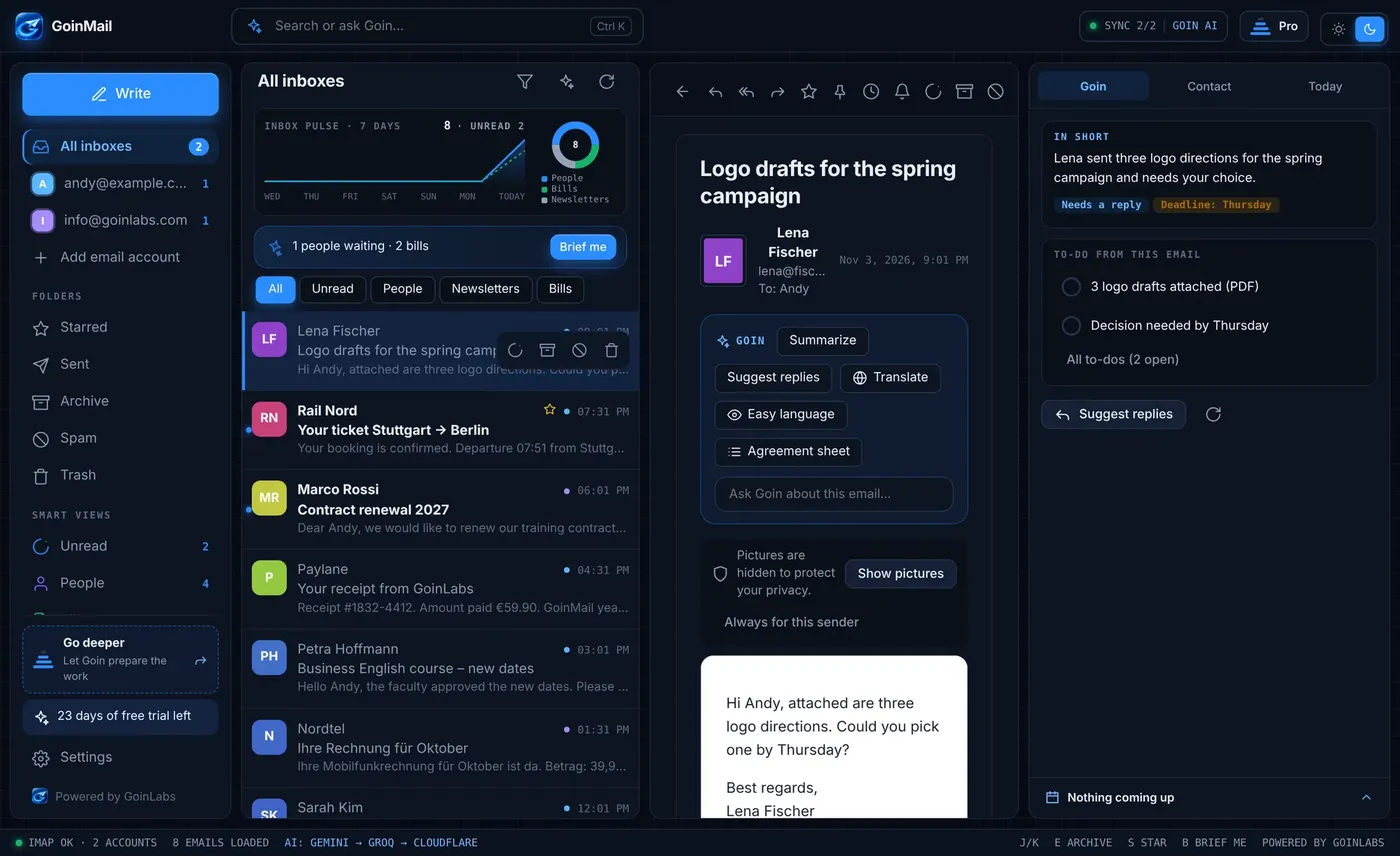
GoinMail is an email client for Windows, Mac and Android with an AI assistant called Pat. Every account sits in one calm inbox. Pat reads your emails and attachments, writes and fixes replies, and puts deadlines in your calendar. Use it for work and for private mail.
Too many inboxes. Too little time.
Several accounts, several apps
Work mail, private mail and a second provider usually mean switching between windows. You want one inbox that shows all accounts side by side.
Long threads and hidden deadlines
Bills, notice periods and appointments hide between newsletters. You want to know what an email says and what you must do, in seconds.
Writing takes too long
Replies, polite refusals and follow-ups eat the day. You want help that writes in your voice and checks the tone before you send.
Attachments are hard to search
The contract with the fee is somewhere in a PDF. You want to ask a question and get the answer, not open ten files.
An email app with an AI assistant that does the work
One inbox for all accounts
Add Gmail, IONOS or any provider that supports IMAP and SMTP. All accounts show in one inbox. A fast plain inbox is level 1; you add more help only when you want it.
Pat reads every email and attachment
Pat reads PDF, Word, Excel, PowerPoint and more, plus photos and scanned documents. Ask where the contract is and Pat finds it. Reading does not mark emails as read.
Summaries and suggested replies
Every email gets a short summary with points, deadline and a Needs a reply flag. You get three suggested replies in your voice, ready to edit.
Dictate, fix and check the tone
Tap the microphone and say what you need. Pat writes the email, attaches the file you named and changes it on command. Press Check to see how the email will feel to the reader.
Deadlines go into your calendar
Pat finds payment deadlines, notice periods and appointments in emails and scans. One click adds each date to the calendar. Google and Outlook calendars work through their private link.
Private by design
Email passwords stay in the secure store of your computer and are never synced. The search index is encrypted with AES-256, and an optional PIN locks the app.
Built for business. Just as good at home.
Consultants, teachers, founders and small teams get a clear inbox, commitments checked against the calendar and a professional signature per account. Private users get bills, subscriptions and receipts collected for them. GoinMail comes in 11 languages, including right-to-left Arabic and Persian.
- Companies: replies in minutes, promises checked against your calendar
- Teams and freelancers: a signature and design per inbox
- Private users: bills, subscriptions, travel and parcels found for you
- Windows, Mac and Android with one account and synced settings
Software we build and run ourselves.
GoinMailAll your inboxes in one calm window, with Pat, the AI assistant. Windows, Mac and Android.Open the product page  iConnectVideo meetings in the browser for companies, trainers and universities.Open the product page
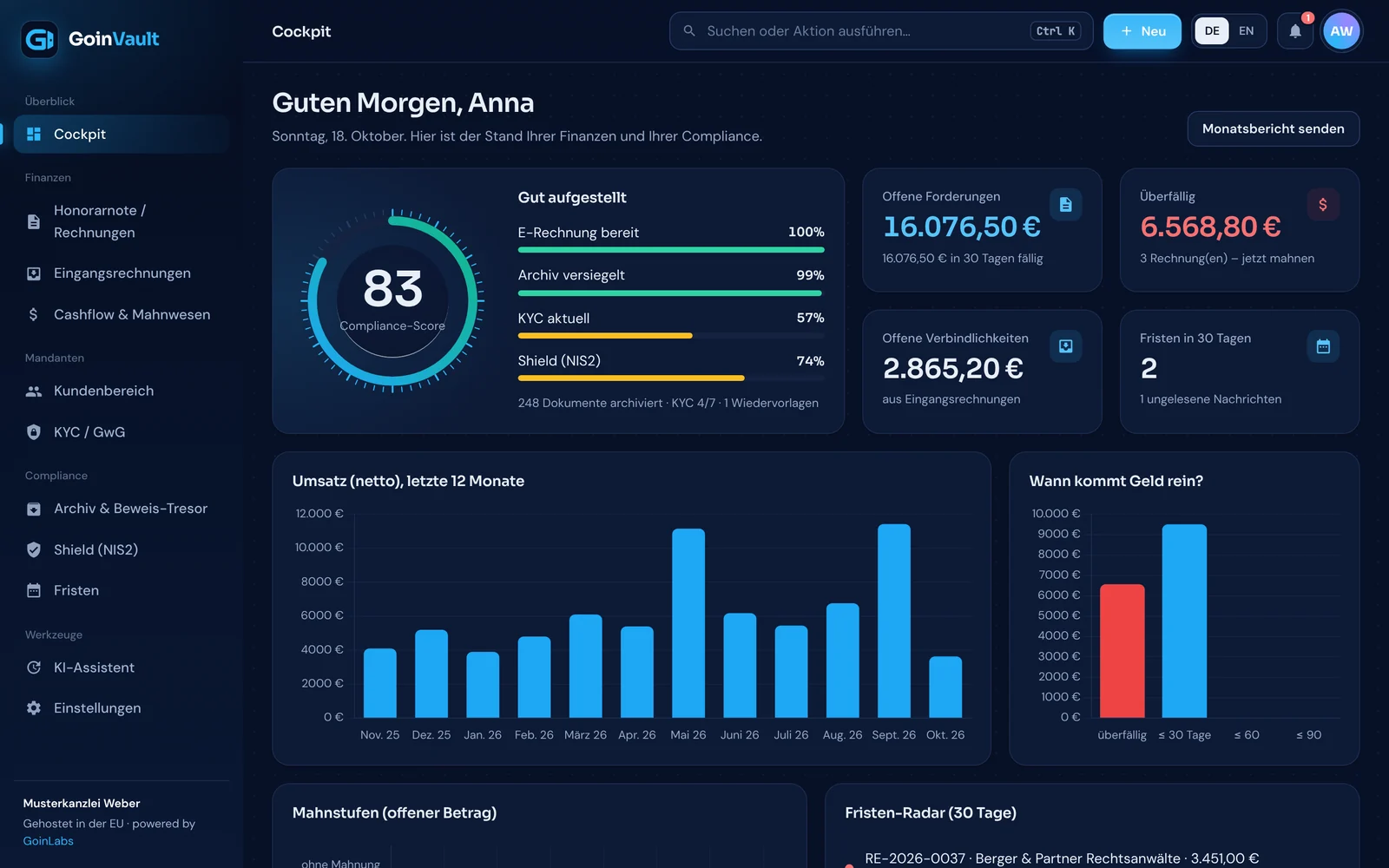 GoinVaultE-invoicing, GoBD archive and dunning for German companies.Open the product page
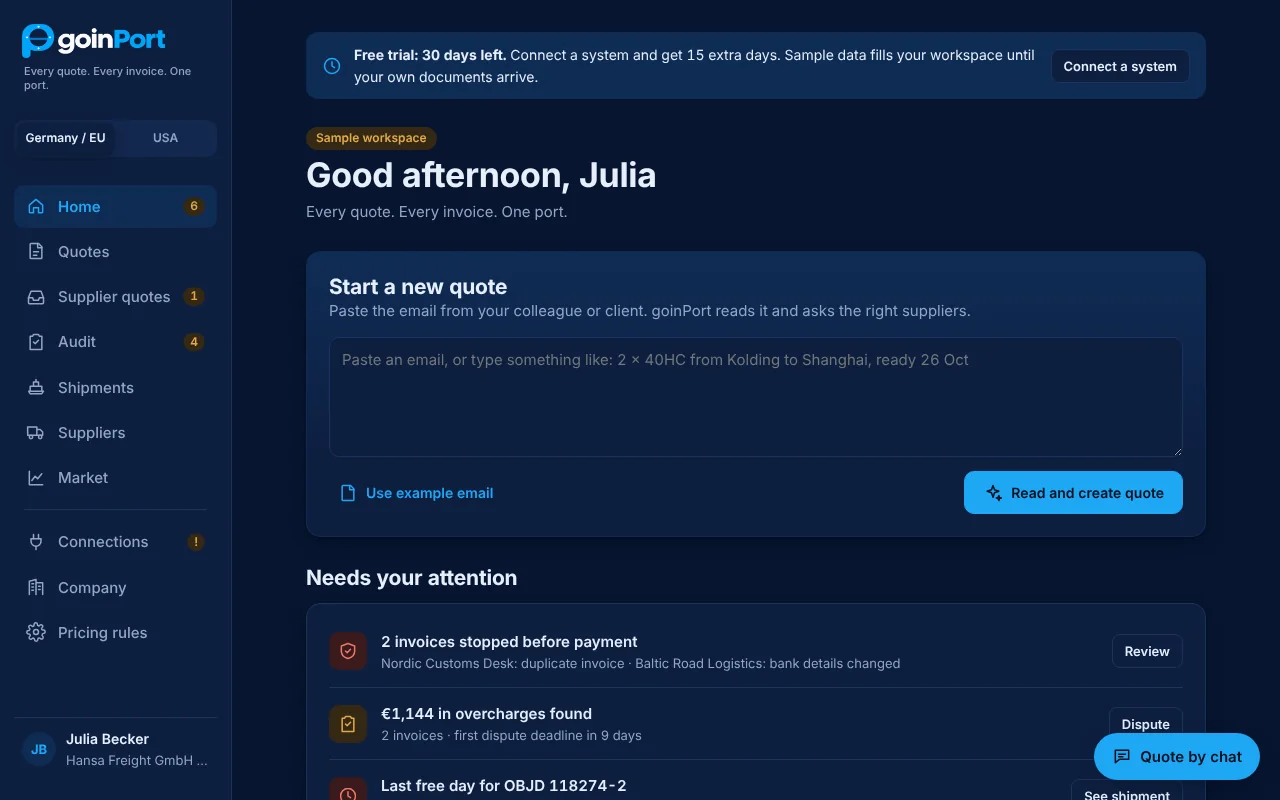 GoinPortFreight quotes, invoice audit and ERP connections for logistics.Open the product page
Questions people ask
What is the best email app with an AI assistant?
GoinMail is an email app with an AI assistant named Pat. Pat summarises emails, suggests replies, reads attachments, writes emails by voice and adds dates to your calendar. Pat asks for a clear yes before sending, calling or deleting.
Can I use several email accounts in one app?
Yes. GoinMail shows all your accounts in one inbox. It works with Gmail, IONOS and any provider that supports IMAP and SMTP.
Is there an email client for Windows, Mac and Android?
Yes. GoinMail runs on Windows, Mac and Android with one account, and signatures, calendar and settings sync between devices. There is no iPhone app.
Is GoinMail an alternative to Outlook?
GoinMail is a separate email client with its own AI assistant. Be aware that Outlook.com and Microsoft 365 mailboxes do not work in GoinMail yet. Gmail, IONOS and other IMAP accounts do.
How much does GoinMail cost?
The first 30 days are free with everything included, and no card is needed. After that a licence costs EUR 5.99 per month or EUR 59.90 per year, with Pat included.
Where is my email stored and is it private?
Your email stays with your provider, and GoinMail connects from your device straight to it. Passwords stay in your computer's secure store, and the search index is stored encrypted on your computer.
Try the AI email app free for 30 days
Download GoinMail for Windows, Mac or Android, add your accounts and meet Pat. No card needed to start.